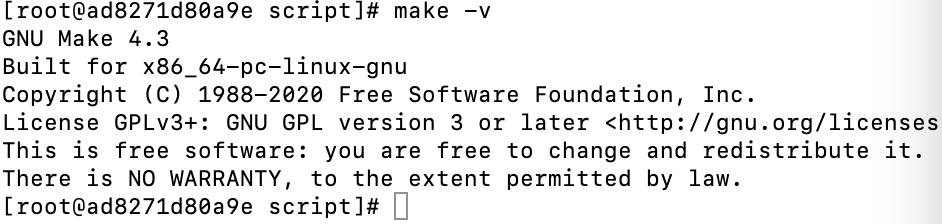
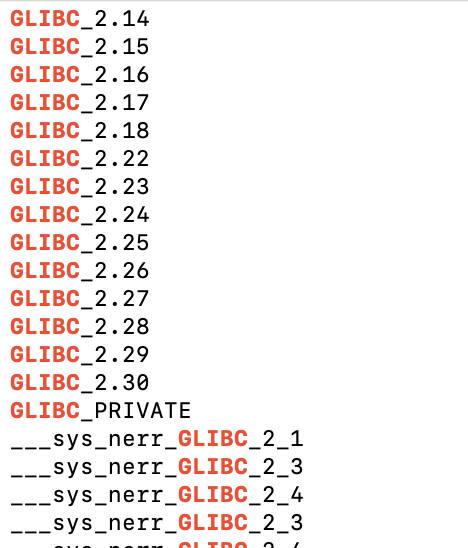
wget https://mirrors.aliyun.com/gnu/make/make-4.3.tar.gz tar -zxf make-4.3.tar.gz cdmake-4.3/ mkdir build cd build ../configure --prefix=/usr make make install #查看make版本 make -v
升级GCC版本到12.2 [点击下载(/download/gcc-12.2.0.tar.gz)]
1 2 3 4 5 6 7 8 9 10 11 12 13 14
http://ftp.gnu.org/gnu/gcc/gcc-12.2.0/gcc-12.2.0.tar.gz
tar -zxvf gcc-12.2.0.tar.gz
cd gcc-12.2.0
./contrib/download_prerequisites
mkdir build  && cd build
../configure -enable-checking=release -enable-languages=c,c++ -disable-multilib
#–enable-languages表示你要让你的gcc支持那些语言,
#–disable-multilib不生成编译为其他平台可执行代码的交叉编译器。
#–disable-checking生成的编译器在编译过程中不做额外检查,
make
# 需要很长的时间 大约半个小时多
make install
#验证GCC版本
gcc -v
cd/opt wget https://mirrors.aliyun.com/gnu/glibc/glibc-2.31.tar.gz tar -zxf glibc-2.31.tar.gz cd glibc-2.31/ mkdir build cd build ../configure--prefix=/usr--disable-profile--enable-add-ons--with-headers=/usr/include--with-binutils=/usr/bin--disable-sanity-checks--disable-werror make make install make localedata/install-locales